If you haven’t already, complete the questionnaire to get personalized tips and guidance throughout the season.

Discover Hilo at your own pace
This starter guide is designed to make getting started with Hilo simple.
With Hilo, you can:
- Control your devices anytime, from anywhere
- Use less electricity and save more
Take your time exploring Hilo’s features, one step at a time.
Personalize your home
Once Hilo is up and running, we recommend exploring these optional settings in the Hilo app to further personalize your experience.
-
Review your home details
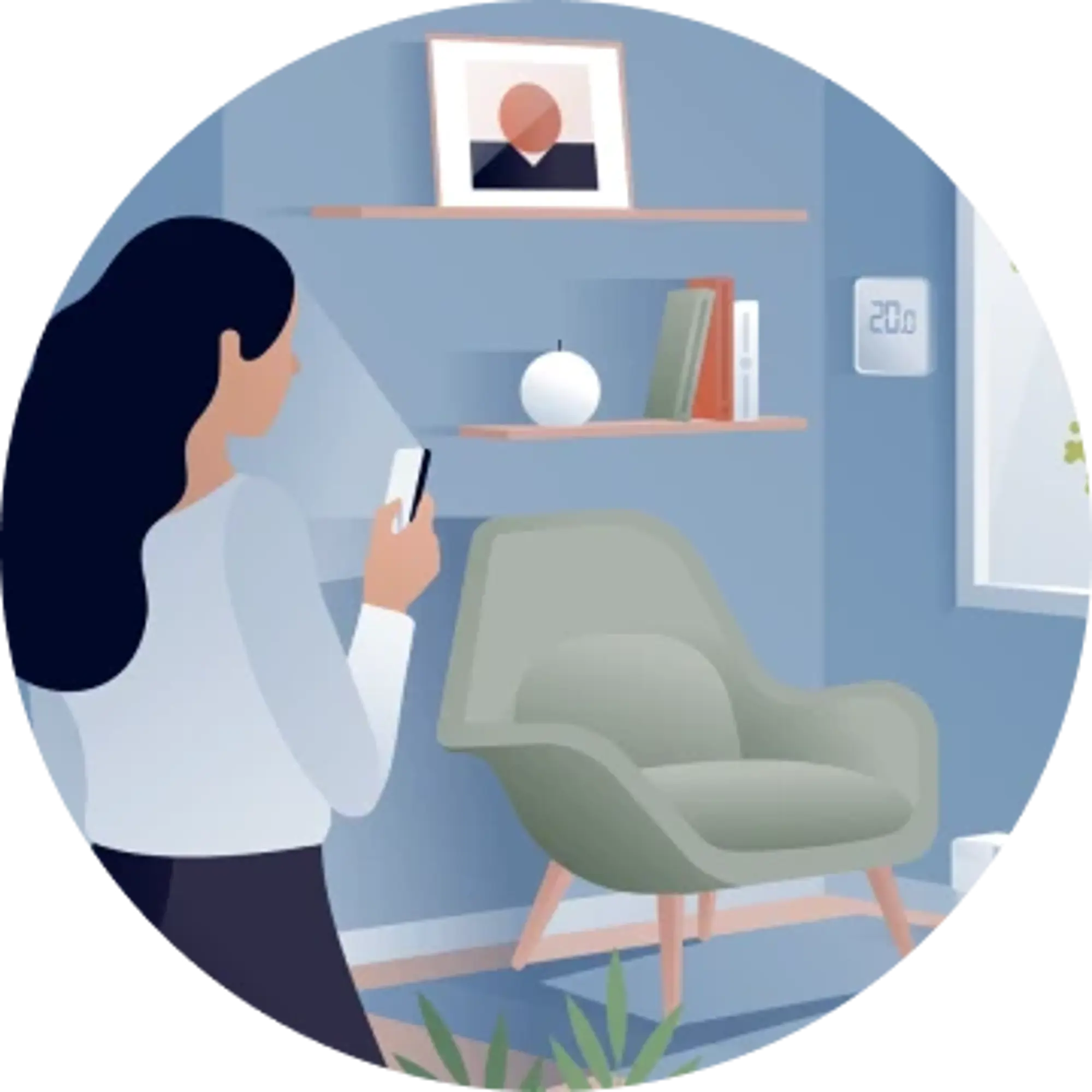
If you haven’t already, complete the questionnaire to get personalized tips and guidance throughout the season.

-
Name your rooms
This will make it easier to find your devices in the app. While you’re at it, make sure each room has a temperature setpoint.
-
Modifiez les paramètres
Déterminez l’équilibre qui vous convient entre confort et économies en personnalisant les paramètres* — le mode de participation, les appareils qui seront automatisés et le préchauffage.
*By default, Moderate mode is selected, all connected devices are included in automations, and preheating is enabled for all thermostats.
Saving with Hilo is based on one simple principle: use less electricity when demand is at its highest.
This will make it easier to find your devices in the app. While you’re at it, make sure each room has a temperature setpoint.
Find the balance between comfort and savings that works for you by customizing your settings* — i.e., your participation mode, which devices will be automated, and preheating.
Automate your daily routine
Create preprogrammed settings called scenes* so your home automatically adapts to your schedule.
*For some compatible devices, scenes may only be available through the partner app, where they may have a different name.
I’m away
Adjust all your thermostats and turn off non-essential devices with a single tap, from wherever you are.
I’m working from home
Create a scene that sets the temperature and ambience just right for staying focused.
I’m going to bed
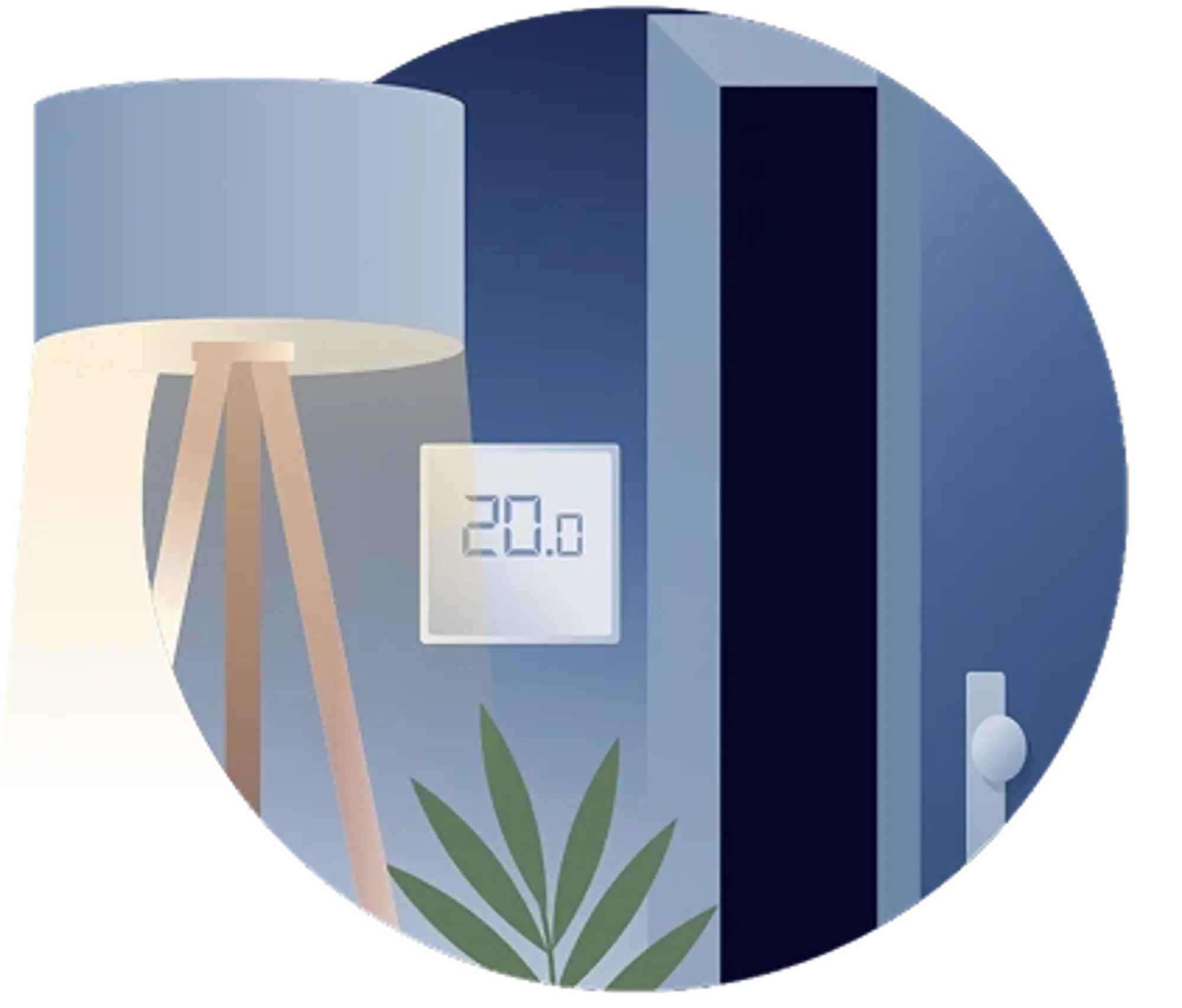
Turn off forgotten lights and lower the temperature to 19°C in the bedrooms and 17°C everywhere else.
Make the most of the Hilo app
Beyond helping you save energy, the Hilo app gives you a better understanding of your electricity use and makes it easier to manage your smart devices.
-
Track your electricity use in real time*
View your electricity use directly in the app to better understand your habits and identify opportunities to save.
*This feature may not be available depending on your meter type. Learn more.
-
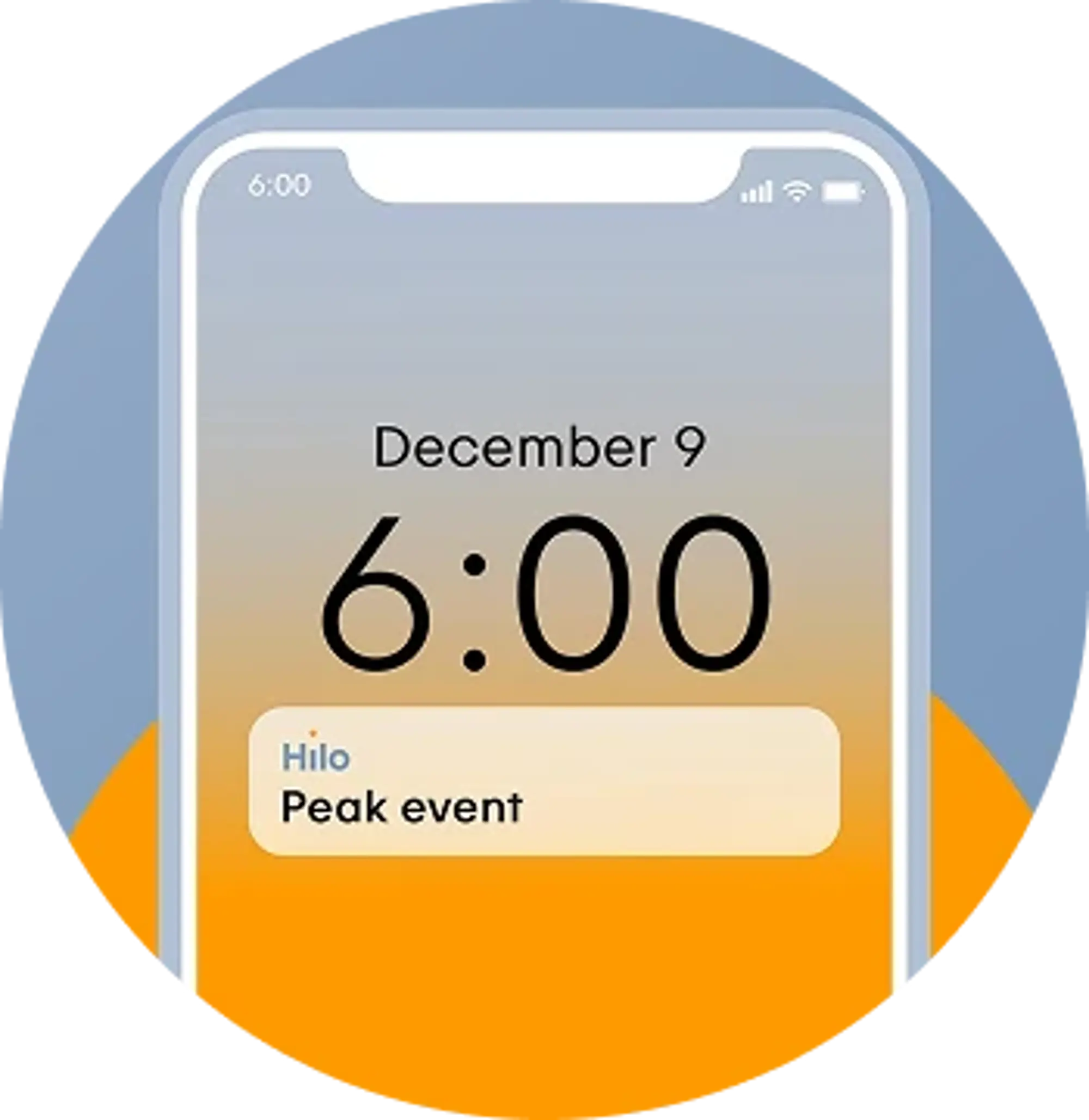
Stay on top of upcoming peak events
You’ll receive two notifications for each event — the first a day in advance and the second shortly before it starts — so you have time to prepare. For example, you can plan when to use appliances that aren’t connected to Hilo, such as your washer, dryer, or oven.
-
Get more from your smart devices with automation
Hilo makes everyday life easier by automating certain tasks. Use one-time or recurring scenes to automate your home around your habits.
Questions?
That’s normal! Our Help Center has answers to commonly asked questions, along with practical how-to guides.
Tips to help you save more
During peak events, the less electricity you use, the more you save. Every little action counts.
Invite a friend and get $25
When someone signs up for Hilo using your code, you’ll receive a $25 bonus once their devices have been installed.
Certain conditions apply.
Still have questions?
We’re here to help.
Call us at 438 289-4456 (HILO) or toll-free at 1 844 500-4456 (HILO), Monday to Friday from 8 a.m. to 8 p.m., or Saturday and Sunday from 9 a.m. to 5 p.m. You can also write to us.