
Hilo is managing all your energy with one easy app
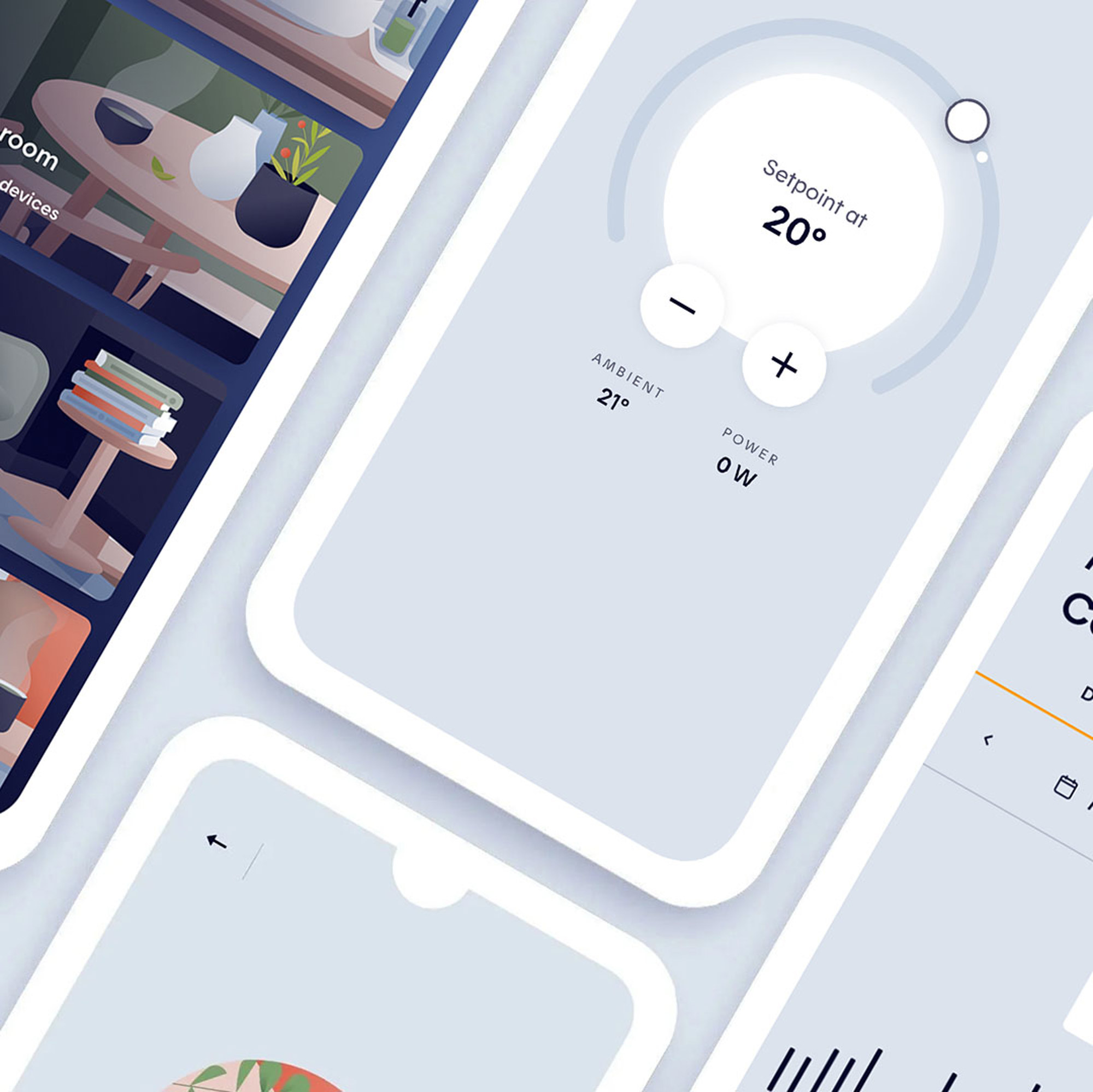
When it’s too complicated, no one does it. That’s why we built an app that’s genuinely easy to use, so you can take control of your connected devices. And when peak demand events roll around, Hilo handles their automation for you — no hassle, no stress.
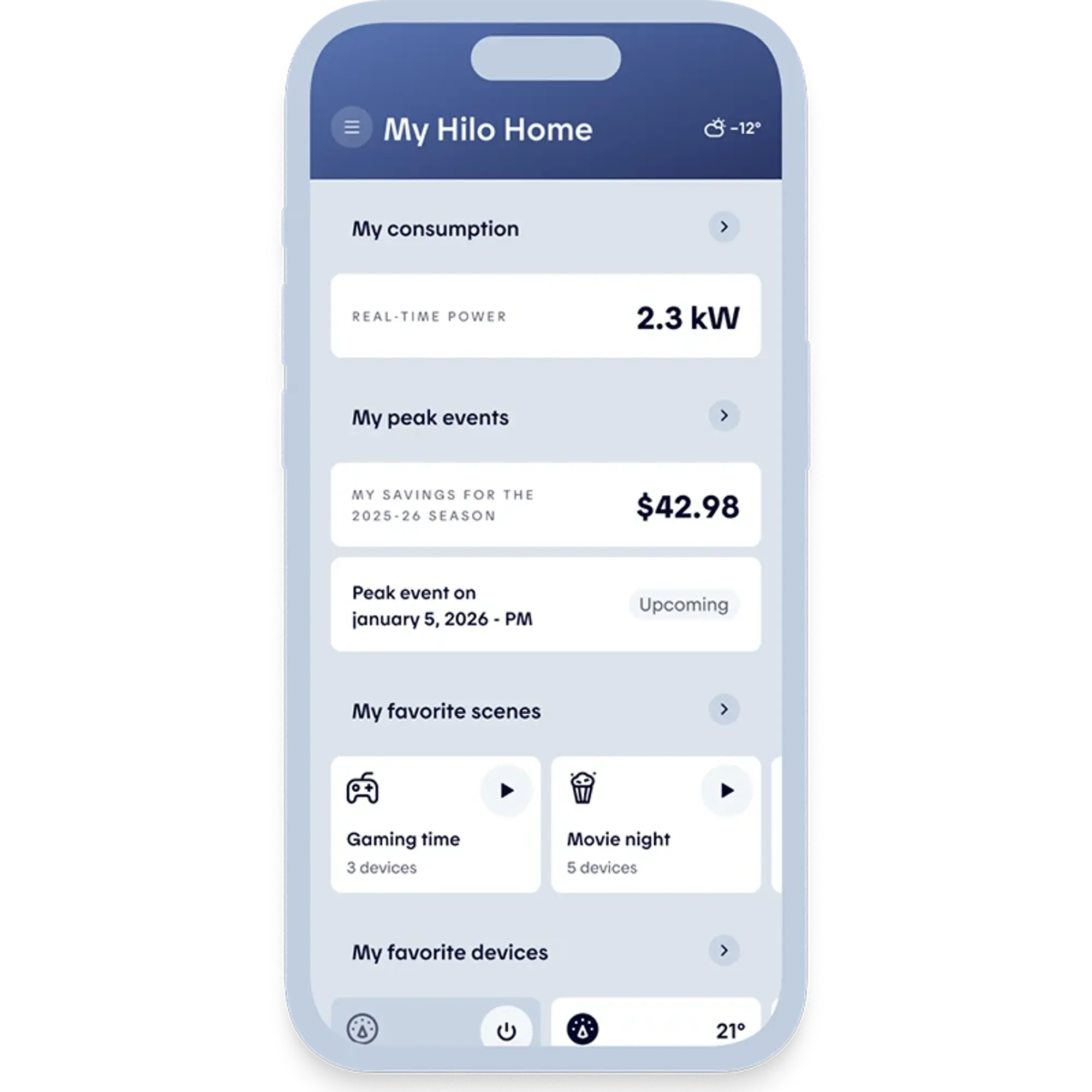
See the big picture at a glance
The app gives you a clear overview of your electricity usage. You can easily monitor and adjust the temperature in every room, without having to rely on someone else to lower the heat.
Customize scenes with your Hilo devices
A scene is a set of customizable settings that let you control one or more Hilo devices at once. It’s a simple, practical way to turn devices on or off — or adjust them to match your daily routine.

I’m not at home
When everyone’s out, Hilo helps you stay in control of your energy use. Adjust your thermostats remotely and turn off non-essential devices, no matter where you are.

I’m working from home
Got a work-from-home day ahead? Set up a custom scene with the ideal temperature and ambience to help you stay focused.

I'm going to bed
Drift off with peace of mind. You can turn off forgotten lights and lower the temperature to 19°C in the bedroom and 17°C in the rest of the house.
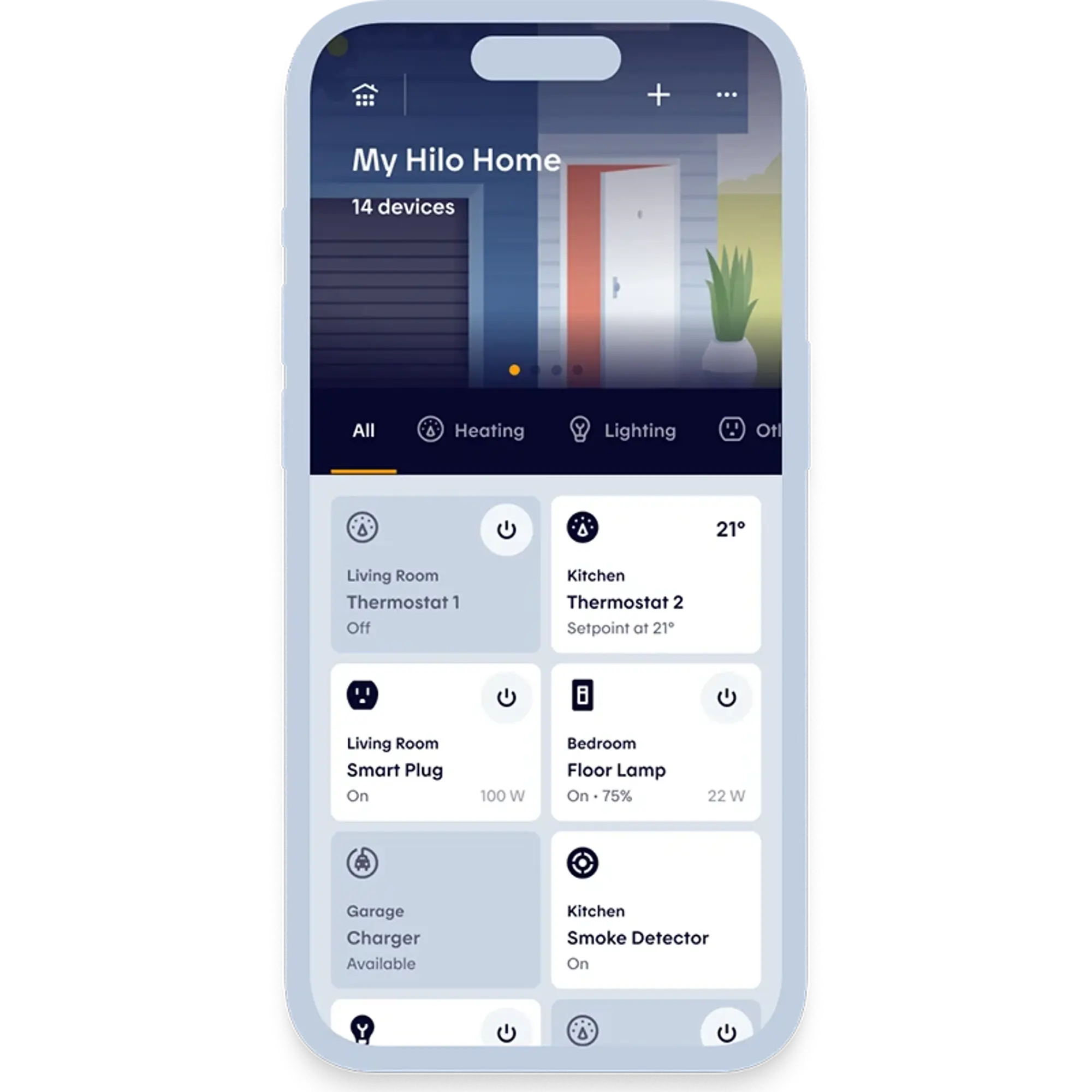
Easily manage multiple connected devices
With Hilo, you get a single interface to turn all your smart devices on or off. It’s a simple way to take control of your smart home — wherever you are.
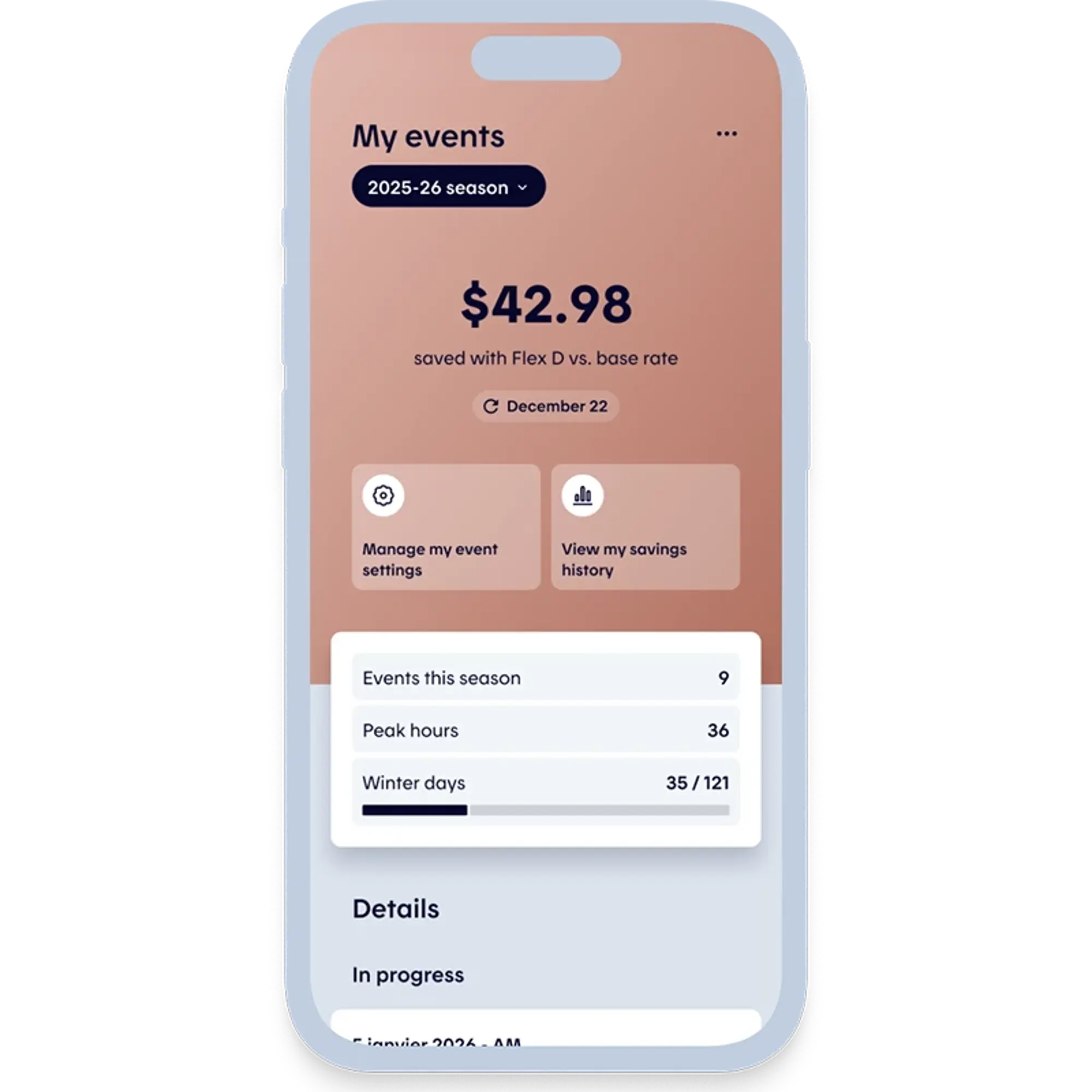
Keep an eye on your savings all winter long
The Hilo app lets you track your electricity use at any time and see how Rate Flex D is helping you save. You can also adjust your settings ahead of the next peak demand event.
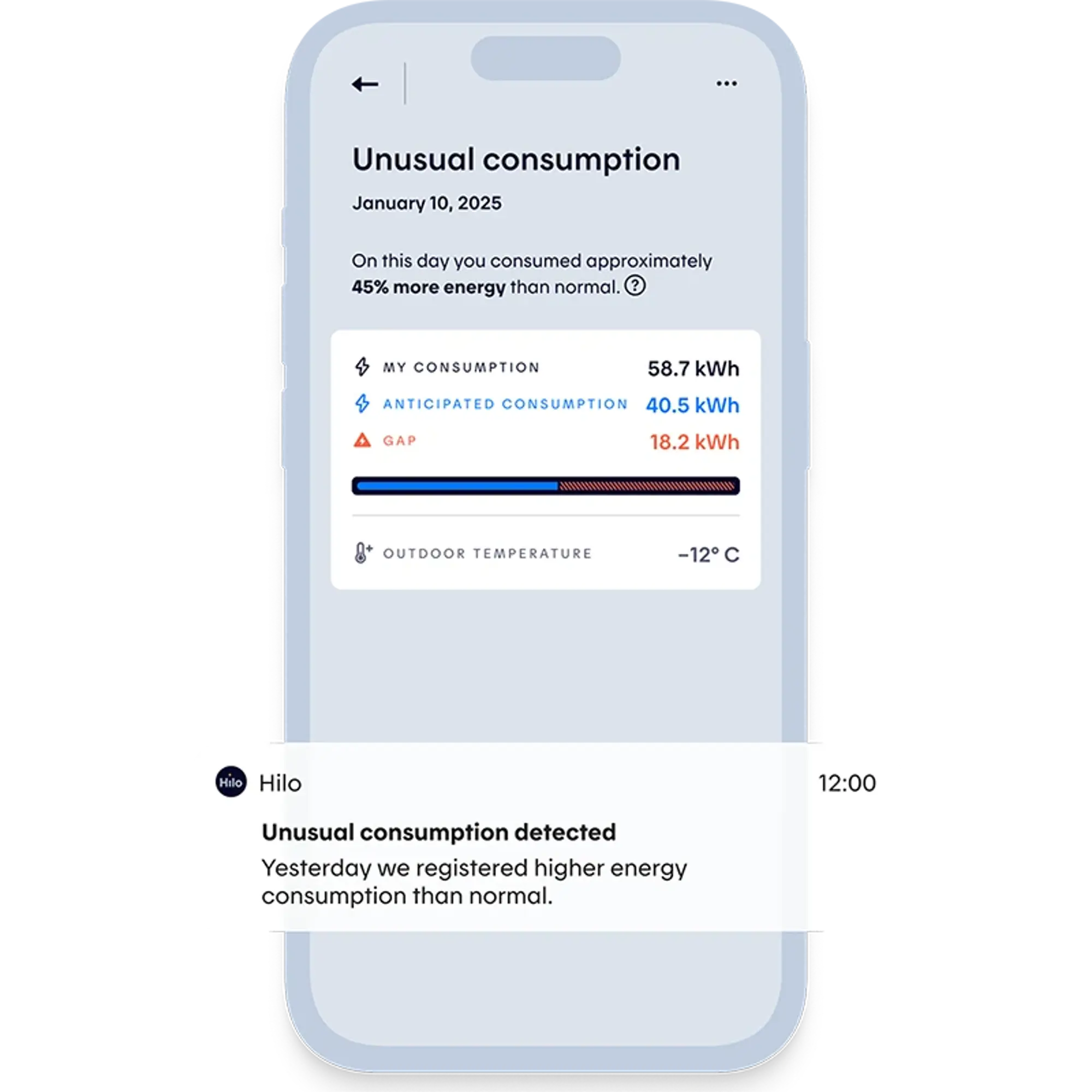
Electricity use higher than normal? Hilo will let you know.
Hilo keeps an eye on your household’s electricity use. If it rises above your typical consumption, we’ll send you a notification so you can check what’s behind the increase — especially if it wasn’t intentional.
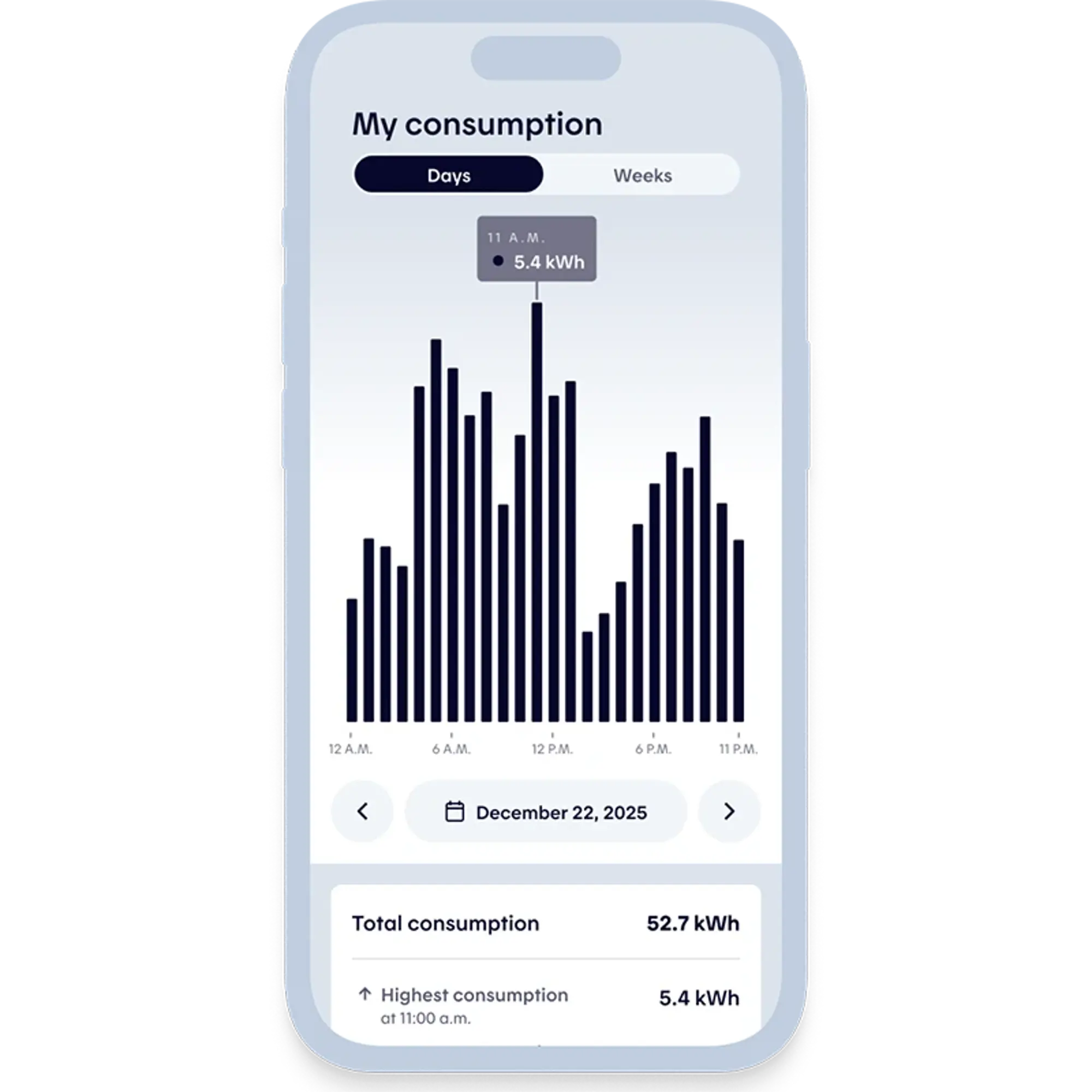
Monitor your energy consumption
Monitor your electricity consumption in real time* or the next day, depending on your meter type. View your data by day, week or month, track trends and compare your current consumption with past usage to better understand what may have caused your electricity use to go up (yay!) or down (oops!).
*This feature may not be available, depending on the meter type. Learn more.