Hilo products
What do the color codes in my Hilo hub mean?
Color code
-
Green, Yellow, Red, Blue, Magenta, Turquoise or White
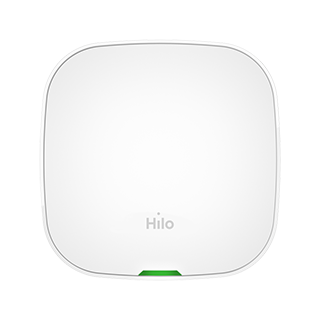
Green
- Blinking: Solid (no blinking)
Meaning: All is well - Binking: Slow
Meaning: Gateway in provisioning, following a software update. May last up to 30 minutes. Does not affect programmed scenes, nor controlling the devices via the app. It is important to avoid disconnecting or rebooting the hub during that time, otherwise the provisioning will restart from the beginning.
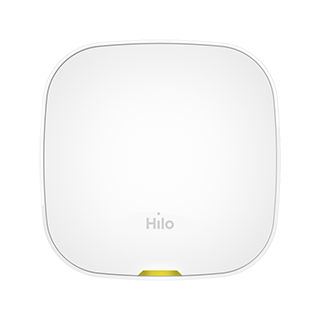
Yellow
- Blinking: Solid (no blinking)
Meaning: No network connection - Blinking: Slow
Meaning: No device paired with gateway
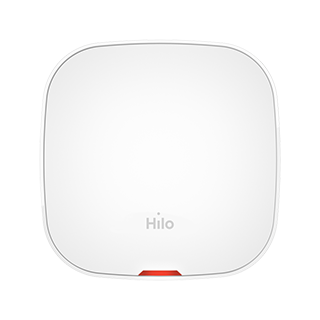
Red
- Blinking: Solid (no blinking)
Meaning: Gateway is having issues connecting with the Ethernet module - Blinking: Slow
Meaning: Gateway is having issues connecting with devices - Blinking: Fast
Meaning: Gateway is having issues connecting with the Hydro-Québec communicating meter
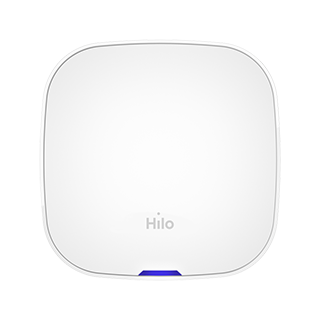
Blue
- Blinking: Slow
Meaning: Gateway is in pairing mode - Blinking: Fast
Meaning: Gateway is attempting to connect with the Hydro-Québec communicating meter
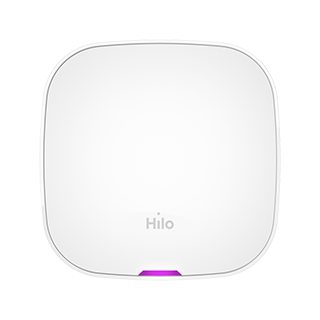
Magenta
- Blinking: Solid (no blinking)
Meaning: Gateway firmware update - Blinking: Slow
Meaning: Zigbee module firmware update (for devices) - Blinking: Fast
Meaning: Zigbee module firmware update (for the Hydro-Québec communicating meter)
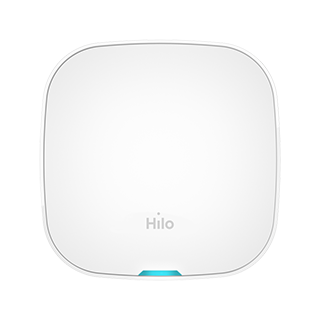
Turquoise
- Blinking: Slow
Meaning: Device detected; pairing in progress
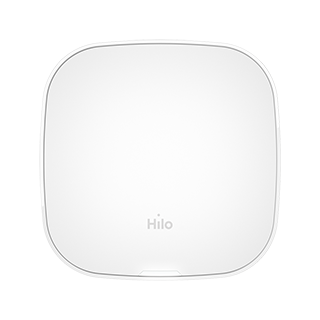
White
- Blinking: Solid (no blinking)
Meaning: Gateway currently booting - Blinking: Slow
Meaning: Update currently downloading - Blinking: Fast
Meaning: Factory reset in progress (return to default settings)